New items
  Sales
Sales  Camera equipment
  Camera packages
  Photography equipment
  Lenses
  Lighting
  Lighting - Grip
  Light control
  Grip equipement
  Filters
  Batteries
  Media / Storage
  Sound & Audio
  Effects / SFX
  Live Production & Streaming
  Production gear
  Consumables / FOR SALE
 30%Discount -30 %
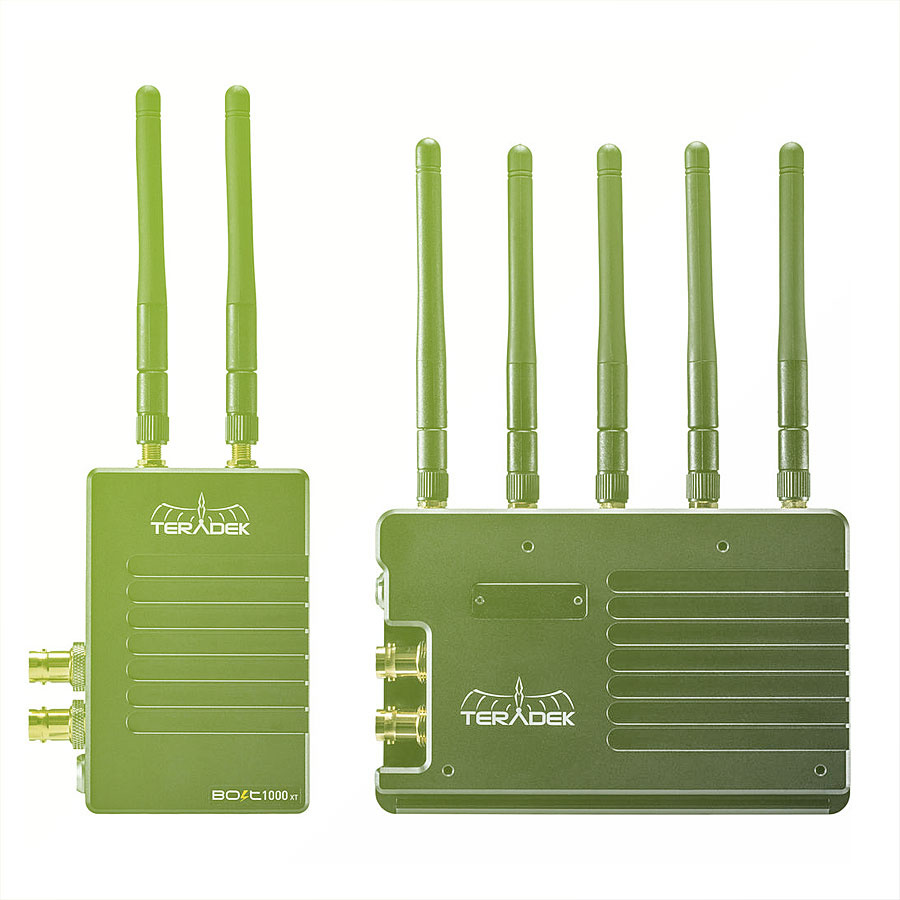
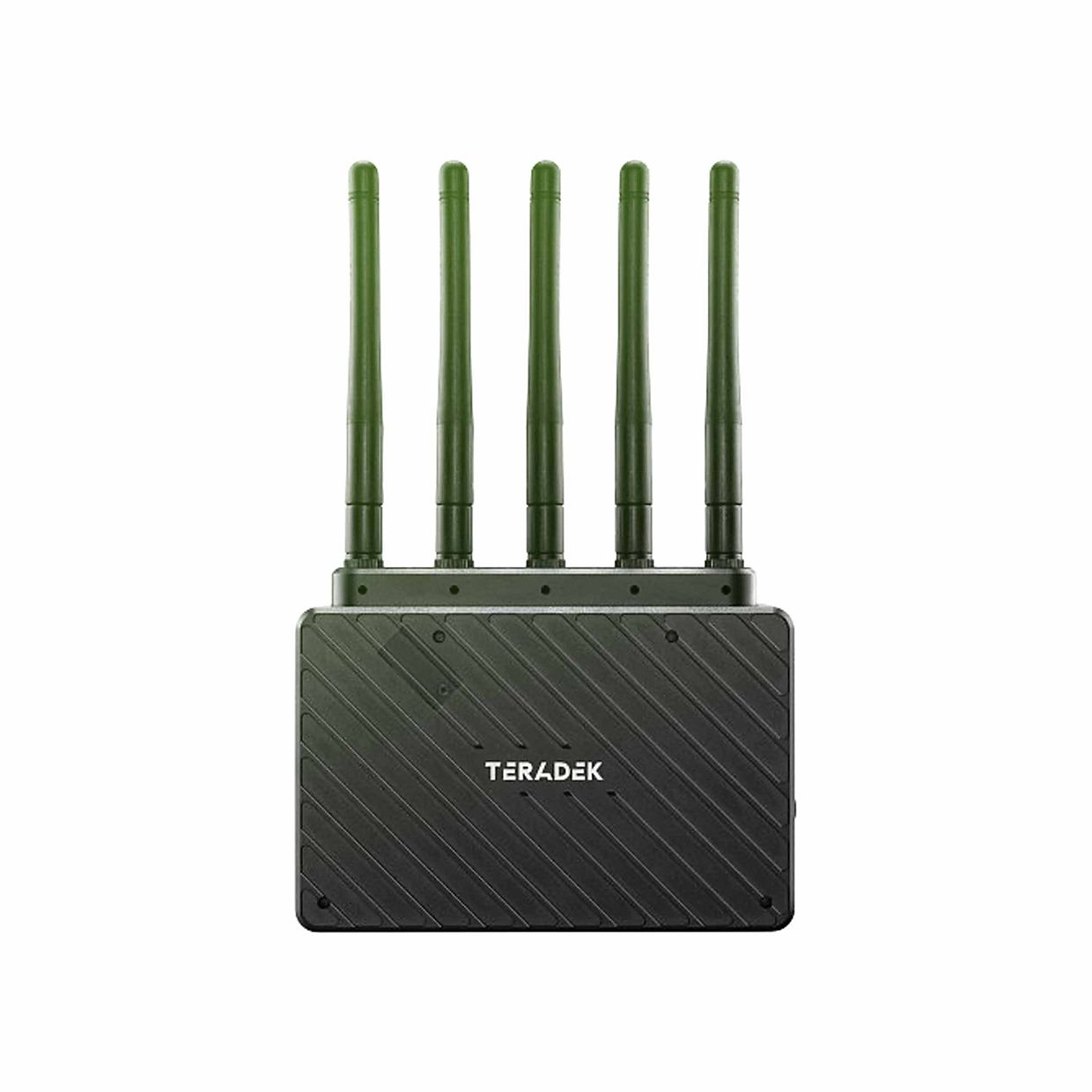
Teradek Bolt 1000 XT SDI / HDMI
3 150 Kč/ shooting day
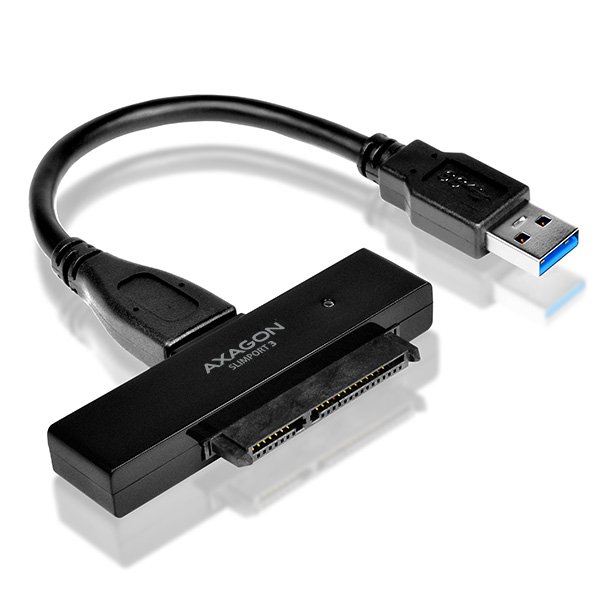 1 × Reader SATA
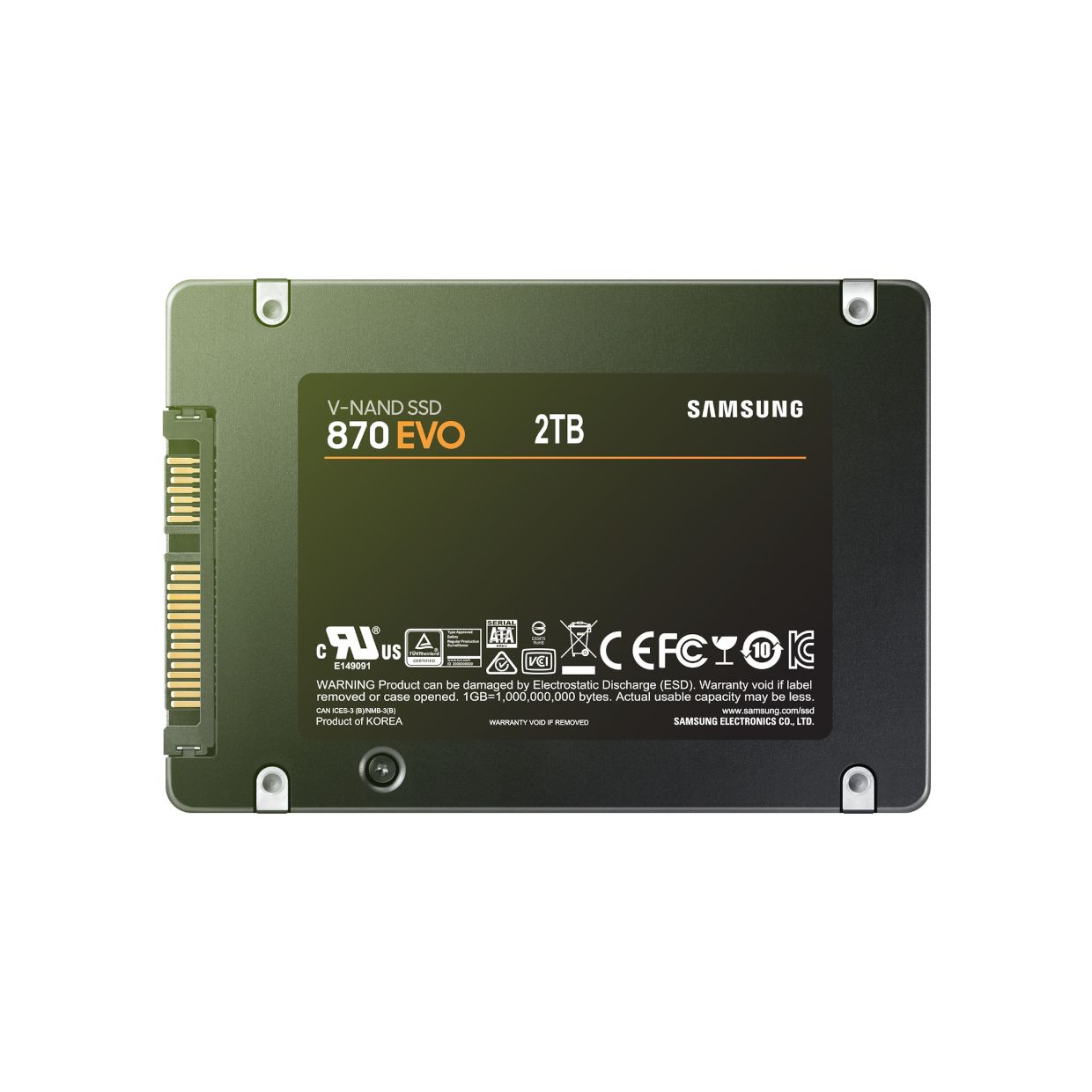 1 × Samsung 870 EVO (SATA 2.5") 2TB
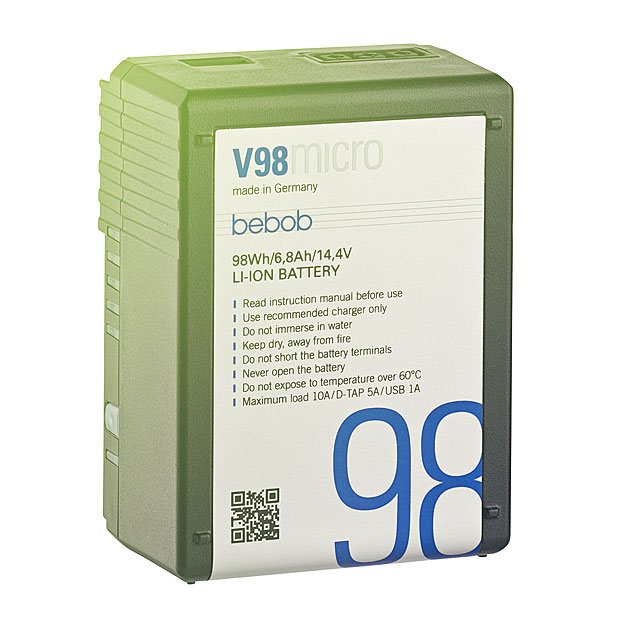 3 × Bebob Micro VMOUNT baterie 98Wh (10A)
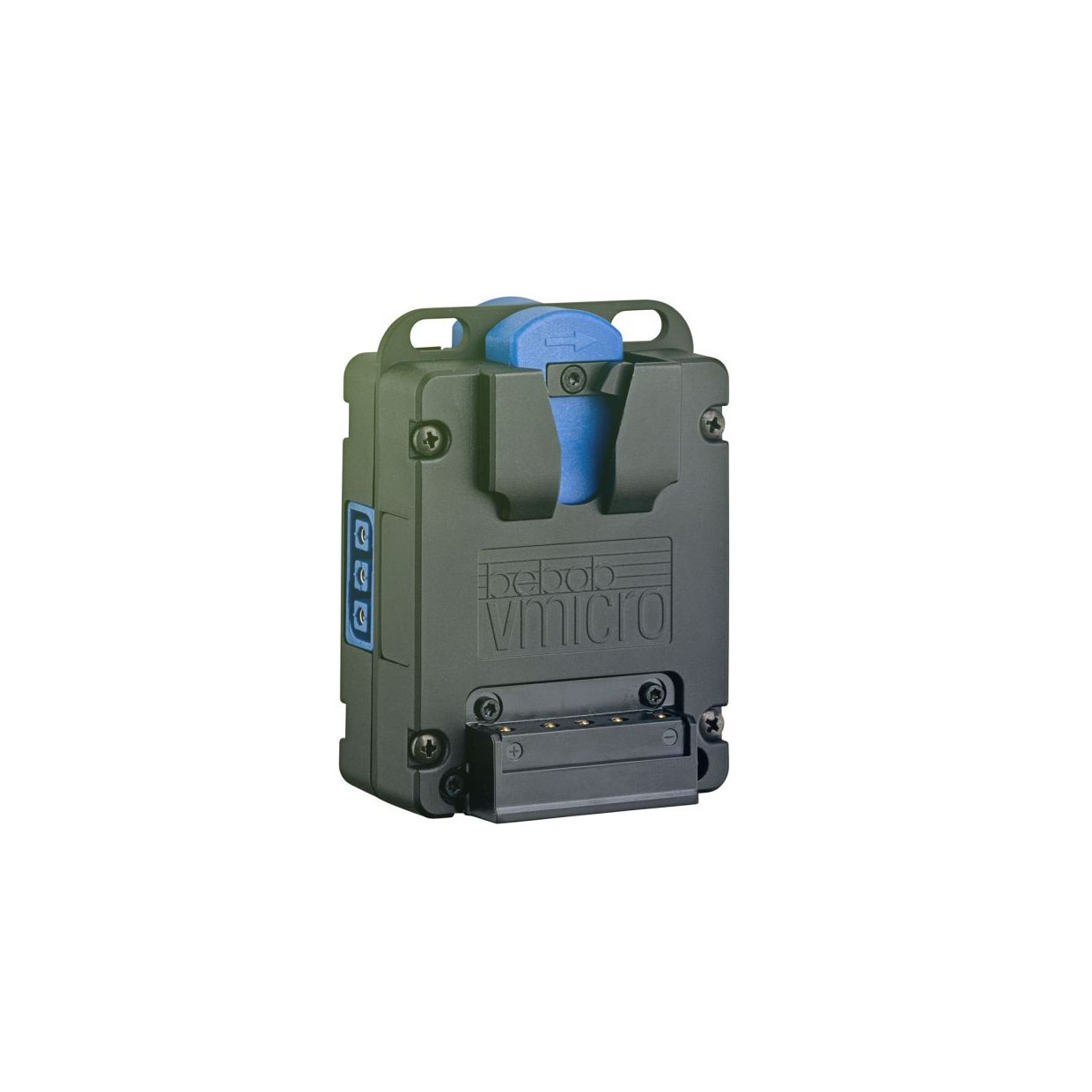 1 × Bebob Powerbase V-micro
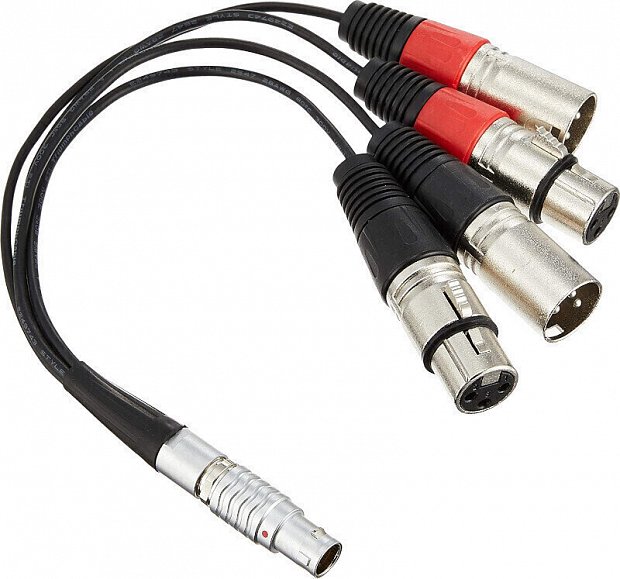 1 × 10-Pin LEMO Type to XLR Breakout Cable (Atomos, Ovide) 2x XLR-F, 2x XLR-M
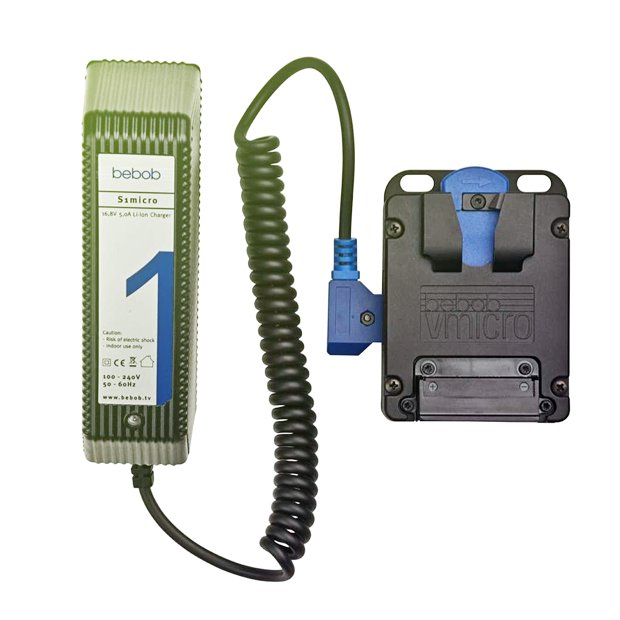 1 × Bebob S1MICRO VMount (DTap) Charger
 1 × Power Cable EURO C13 (1.8m)
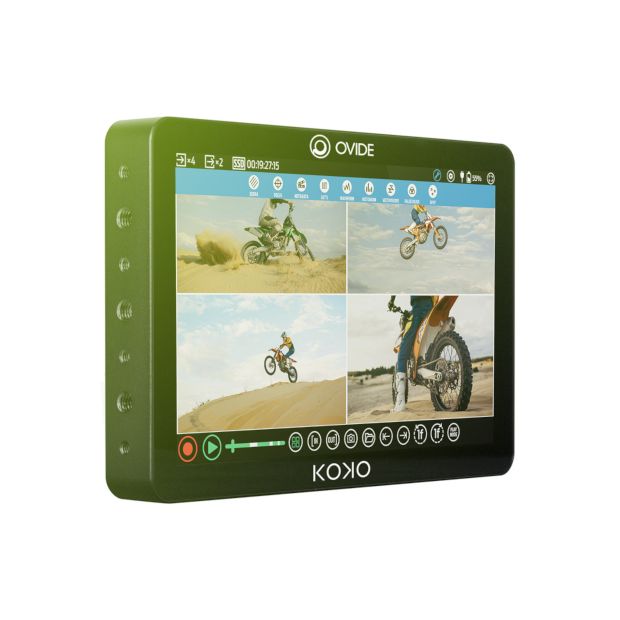
Monitor and record your production in 4K with the Koko 10" HDR Touchscreen Recording Monitor from OVIDE. Packaged with a V-mount battery connector for powering via battery or with the included power supply, the monitor features a 10.1" touchscreen TFT LCD that boasts 1920 x 1080 resolution, 1000 cd/m² brightness, and 900:1 contrast. With four 12G-SDI inputs and four 12G-SDI outputs (two ports can be switched between input and output, six BNC in total), the Koko is designed with a removable SSD that allows you to record up to four 1080p60 feeds or a single 4K stream in Apple ProRes format with support for HDR and independent LUTs for each output.
Packed with integrated video assist functions such as Rec-Stop-Play in/out, histogram, waveform, focus assist, zebra, false color, and more, the Koko supports automatic metadata reading and recording. This is very helpful in digital cinema production where editors and other collaborators rely heavily on this pivotal information for a proper and comprehensive post-production workflow. The Koko is fully compatible with all OVIDE systems, and it is equipped with a bidirectional analog audio input/output and a 3.5mm TRS headphone output. A LAN Ethernet port and a USB-C port are integrated on the rear of the panel, but these are intended for future expanded functionality.
Current Features:

Important information and contacts in one place.